Expiry loss in a medical store almost never comes from one bad decision. It comes from forty small ones: a batch bought slightly too deep, a slow mover left at the back of the shelf, a distributor's return window missed by a week. The stores that lose the least are not the ones with the best memory — they are the ones with a routine.
Where the money actually goes
Every expired strip is the purchase cost you paid months earlier, minus what you managed to return. So the loss has three parts: the cost of the batch, the tax you already paid on it, and the shelf space it occupied while it was quietly dying. You cannot fix the second and third parts once the date passes; you can only shrink the first.
The four levers
- See it early. A batch expiring in 90 days is a decision; one expiring in 10 days is a write-off.
- Return within the window. Most distributors accept near-expiry returns inside their own window — typically 3 to 6 months before expiry, which means the review has to happen before that, not after.
- Sell deliberately. Near-expiry stock should be at the front, in the counter's sight, with the staff aware of it.
- Buy shallower on slow movers. Depth on a fast mover is efficient; depth on a 3-a-month item is a bet against the calendar.
The monthly routine (20 minutes)
Pick one fixed morning — the first Saturday of the month works for most stores — and do exactly three things:
- Value at risk. Open the near-expiry report and look at the rupee value in batches expiring inside 90 days, not the count of items. That single number is the month's expiry exposure.
- Split the list. Batch which ones go back to the supplier this week, which go forward on the shelf, and which are small enough to ignore. Return decisions are time-based, so make them first.
- Check the slow movers. Pull the batch report for the 20 medicines with the slowest movement and see how much stock sits beyond six months. That is next quarter's exposure, still fixable at purchase time.
Why FIFO at the counter is not enough
Billing software picks the earliest-expiry batch when stock is offered, and that is good — but it only protects what sells. The problem is exactly the stock that does not sell. No counter discipline fixes a batch that has been sitting since February; only a report does.
Make the audit do double duty
A stock audit is usually treated as a compliance chore. If you are counting the shelf anyway, count with the near-expiry list in hand: note what is physically there for the batches on the list, mark the ones at the front, and record adjustments in the software the same day. The audit then does two jobs — book accuracy and expiry control — in one walk.
What to look for in your software
- A near-expiry view with rupee value, not just item names.
- Batch-wise stock so you can see, for one medicine, which batch is at risk.
- A supplier-return flow that takes the batch out of stock and off your ledger.
- Expiry warnings at thresholds you set — 90/60/30 days, not a fixed number.
- Movement or margin data, so "slow mover" is a fact rather than a feeling.
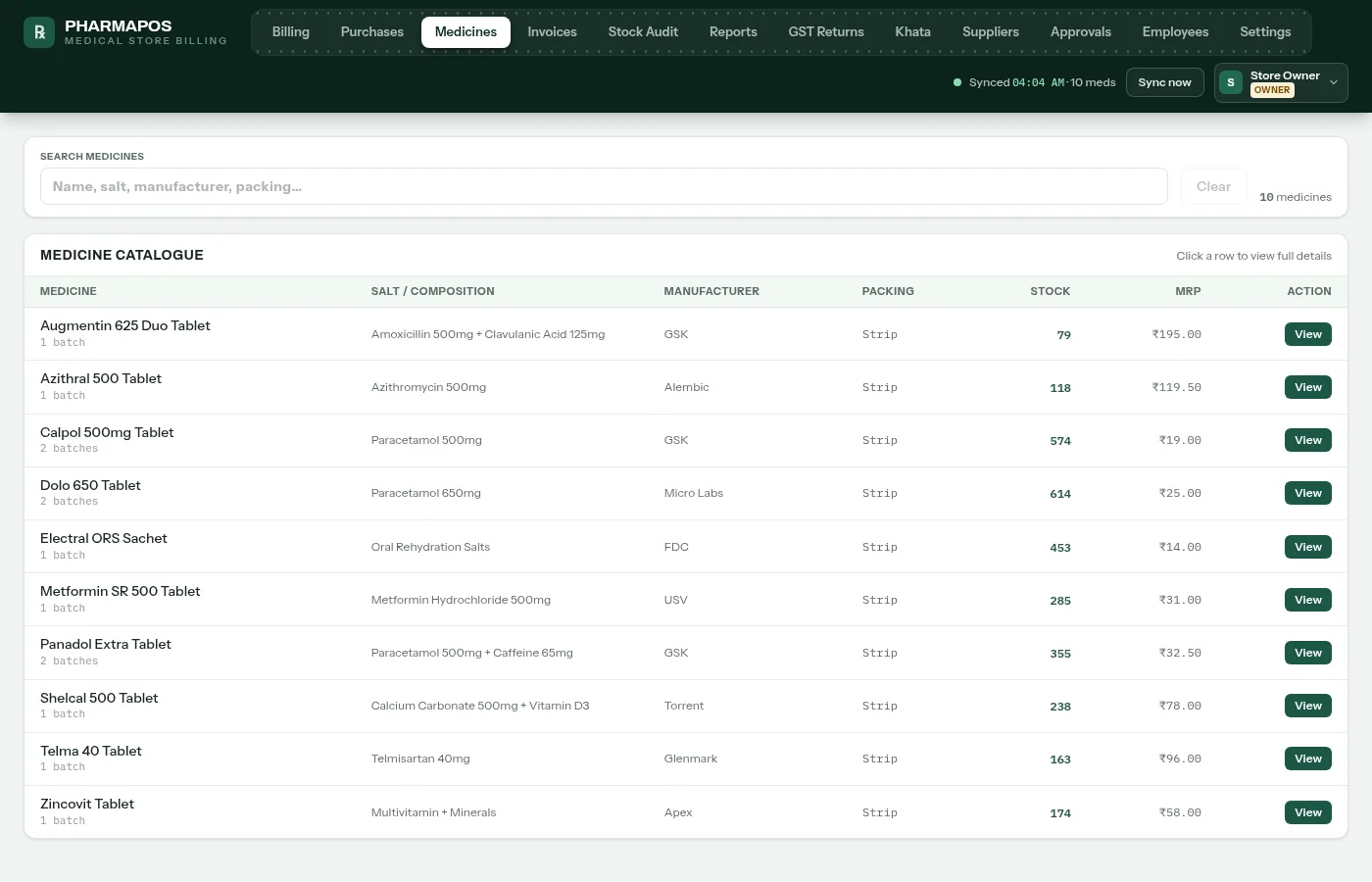
All of this exists in PharmaPOS's stock and expiry screens, which is not a coincidence — it is the report set we compare stores against when they tell us how much they used to lose. If you want to see the batch and expiry views on your own data, run the free 7-day trial; the near-expiry report works from day one, because it needs no history at all.